Dashboards
Extended Functionality
- The eTrex Touch series provides access to
10 Dashboards.
- Dashboards allow you to show more features and functions when and where you need them.
- Provides at-a-glance information and added controls, you can multi-task without having to exit the current
page.
- Open the
Status Menu and Select
 > [Change Dashboard]
in the Map,
Compass or
Trip Computer
pages to configure Dashboard options.
> [Change Dashboard]
in the Map,
Compass or
Trip Computer
pages to configure Dashboard options.
 |
|
 |
|
 |
|
 |
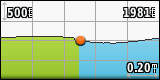
Altimeter
|
|
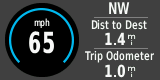
Automotive
|
|
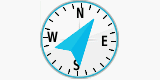
Compass |
|
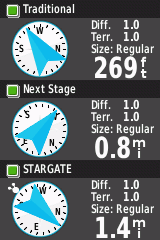
Geocache
|
|
|
|
|
|
|
|
|
|
|
|
|
|
|
 |
|
 |
|
 |
|
 |
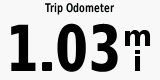
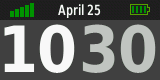
Large Data Field |
|
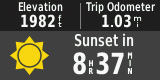
Recreational
|
|
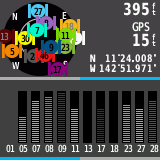
Satellite
|
|
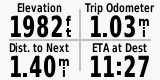
Small Data Fields
|
|
|
|
|
|
|
|
|
|
|
|
|
|
|
| |
|
 |
|
 |
|
|
|
|
Status
|
|
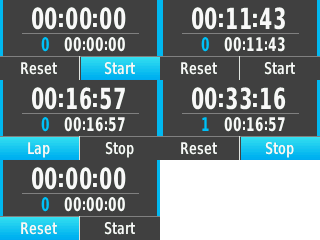
Stopwatch
|
|
|


